Shopping Made Accessible
Amazon shopping, simplified for everyone.
Amazon has millions of products. Luma helps you describe what you need — and choose with confidence.
iPhone · iOS only for now
Free to use. We don't sell anything — every result links back to Amazon.
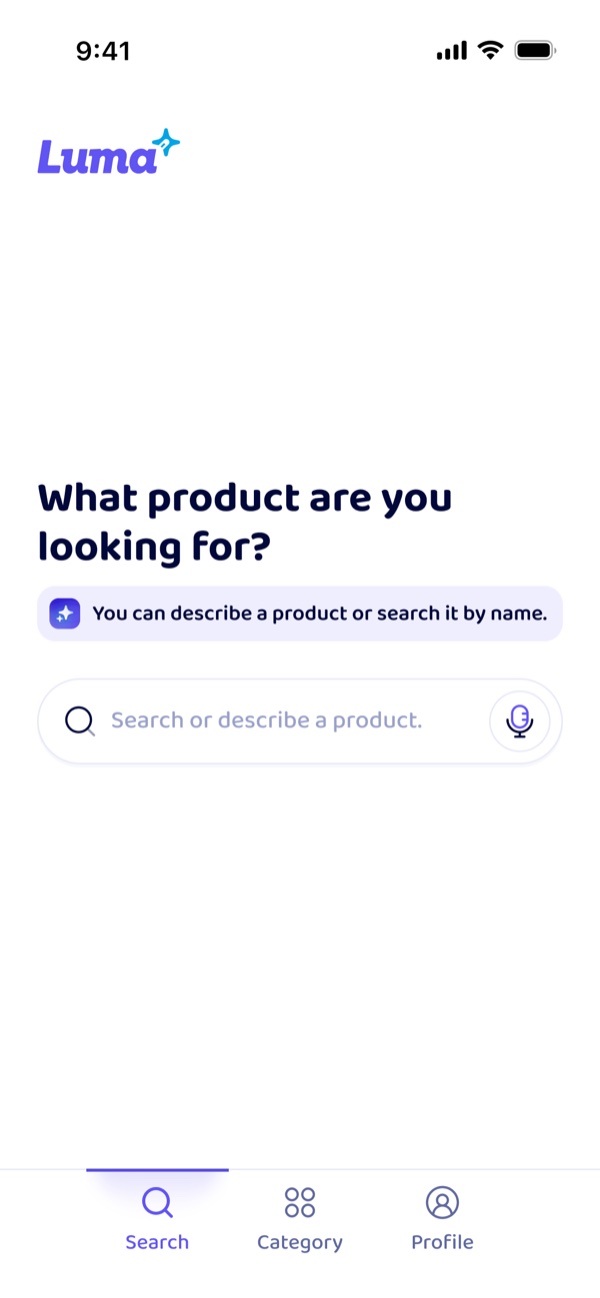
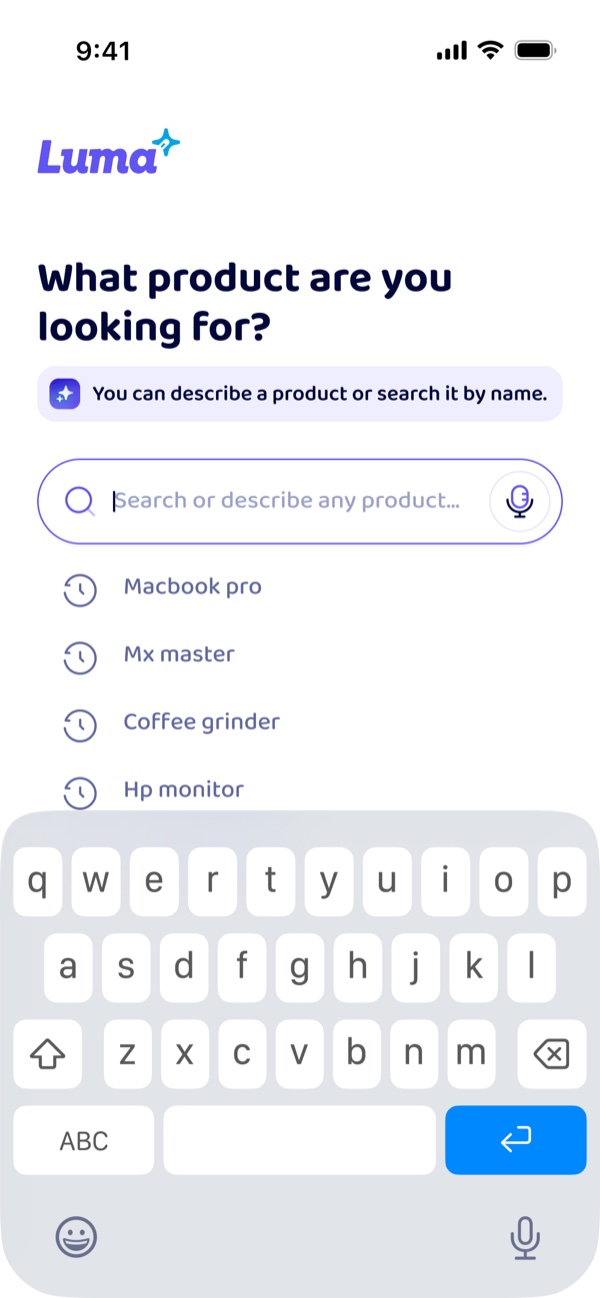
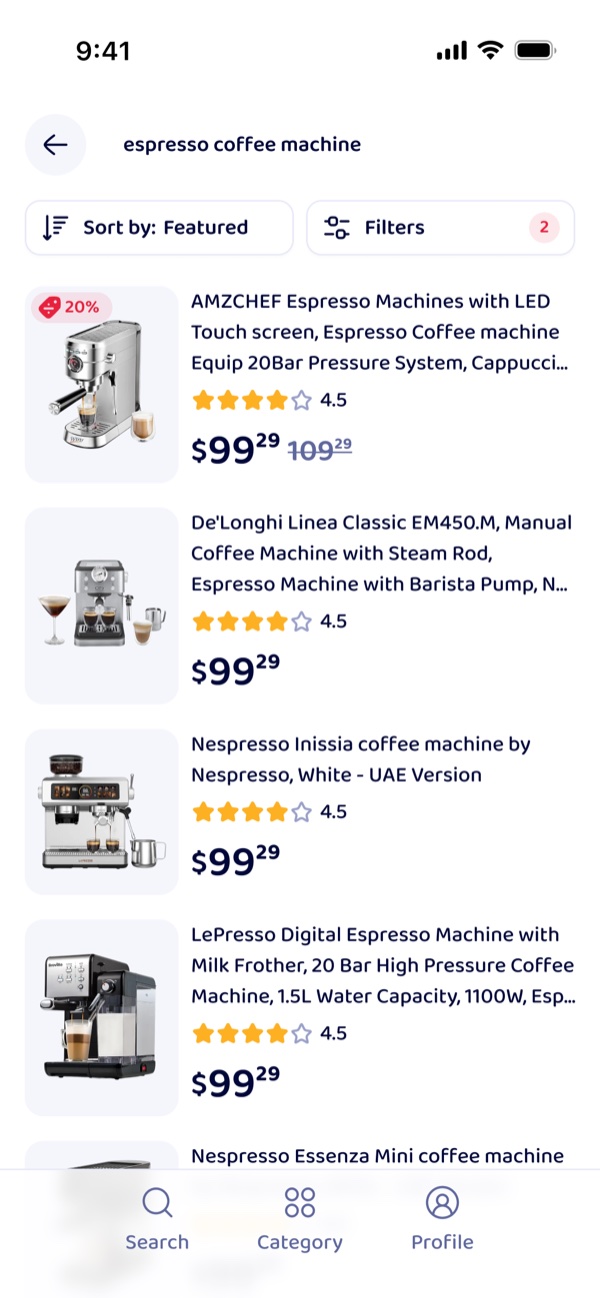
Just say
- “a coffee machine for daily use”
- “a jar opener my mum can manage”
- “something to reach the top shelf”
Built to WCAG 2.2 AA
Tested end to end with VoiceOver
Respects your system text size
No ads, no dark patterns
What you can find
All of Amazon, without the overwhelm.
Luma searches Amazon's catalogue and presents what comes back in a format built for everyone. When you're ready to buy, we take you to the listing.
Everyday essentials
Groceries, household supplies, the refill you buy every month. Say it once and Luma remembers the shape of what you asked for.
Daily living aids
Grab rails, jar openers, reachers, large-button phones. The listings that actually help are buried — Luma brings them up first.
Gifts & bigger decisions
When forty options look identical and you need three. Luma narrows it down and tells you what actually separates them.
How Luma helps
Accessibility isn't a setting. It's the whole app.
Most shopping apps bolt accessibility on at the end. Luma was designed around it from the first screen — so nothing has to be worked around.
Screen reader first
Every element is labelled, ordered and announced properly. Tested end to end with VoiceOver on real devices.
Text that scales
Bump the size to 200% and nothing breaks, clips or overlaps. Your system settings are the source of truth.
High contrast & colour safe
All text clears WCAG AA. Colour is never the only way information is shown — labels and icons carry it too.
Search by voice or by typing
Say it the way you'd say it to a person. No keywords, no filters to fight — plain sentences work.
Big targets, one hand
Every tap target is at least 44×44pt and reachable from the bottom of the screen. Switch Control and keyboards fully supported.
Calm, plain language
Short sentences, no jargon, no urgency timers. Reduced-motion is honoured automatically — nothing moves unless you want it to.
What Luma does
Describe it. Compare it. Decide.
Every feature is designed to help you search, understand, and choose with less effort.
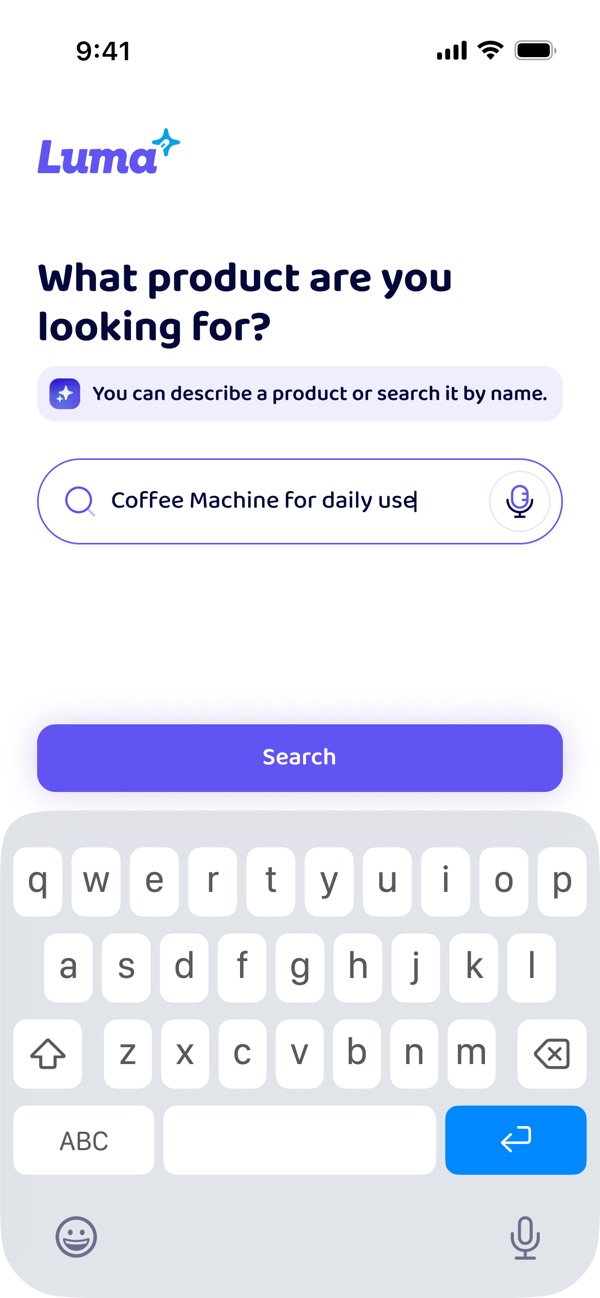
Descriptive Search
Tell Luma what you need — type it or speak it. It finds relevant products, even without exact names.
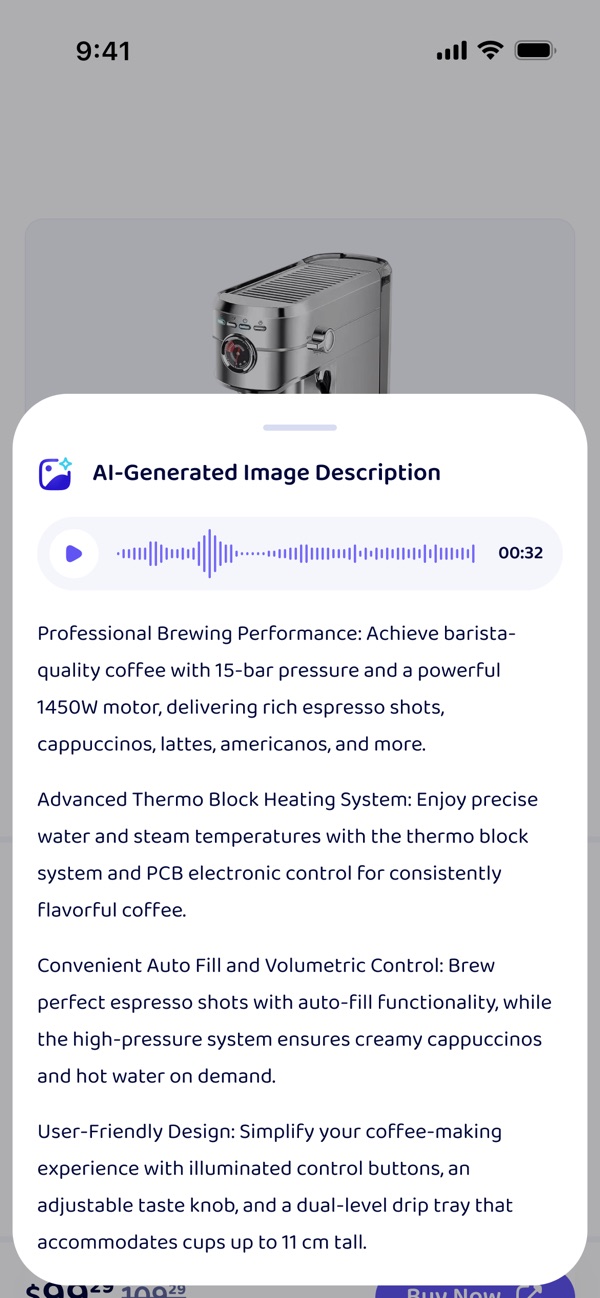
AI Image Descriptions
Every product image gets a written and spoken description, so you know what it looks like without having to see it.
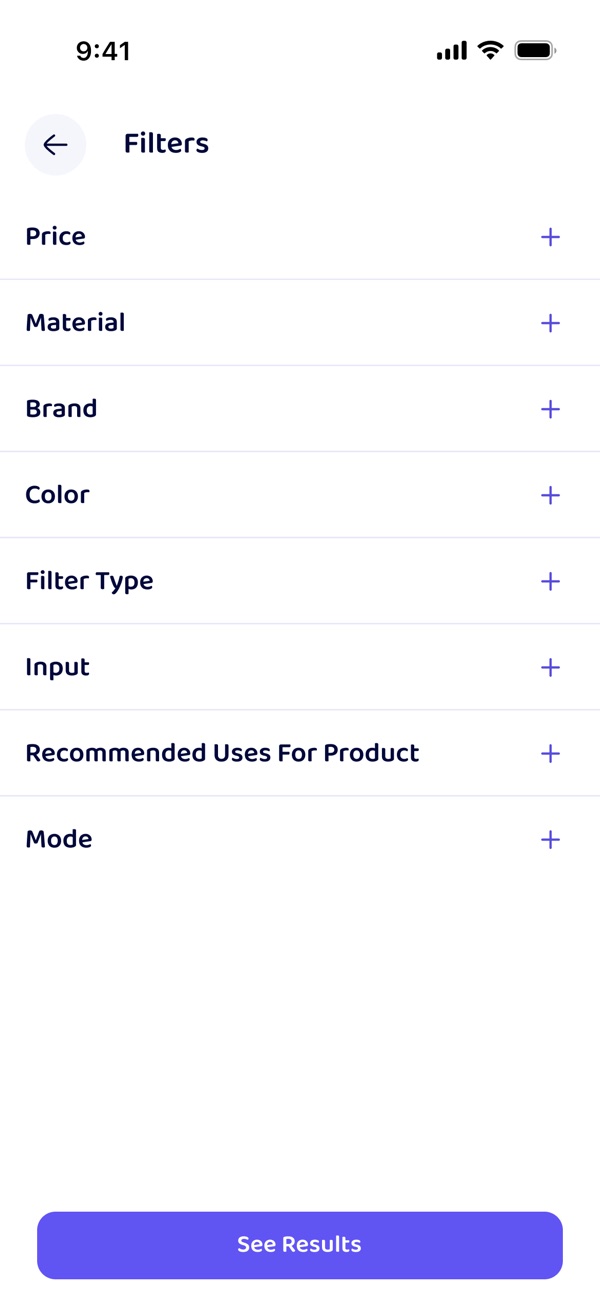
Filters
Narrow things down by price, brand, material and more — every filter spelled out, one tap at a time.
Who it's for
Built for specific people. Better for everybody.
When you design for the hardest case, the easy case gets easier too. Luma is made with — and for — the people below.
Blind & low vision
Complete, meaningful labels and a logical reading order, so a product card makes sense the first time it's read aloud.
Limited dexterity
Large targets, forgiving gestures, and nothing that depends on a precise drag, pinch or long-press.
Cognitive & neurodivergent
One decision per screen, plain wording, no countdowns or pressure. You can stop and come back.
Deaf & hard of hearing
Nothing important is audio-only. Every cue is visual and textual as well.
Older adults
Familiar patterns, generous type, and no jargon. Fewer steps between “I need this” and “I found it”.
Anyone, some days
Bright sunlight, a broken wrist, a crying baby in the other arm. Situational barriers are barriers too.
What users say
From the people who tested it first.
“It's the first shopping app where VoiceOver reads a product card and I understand it straight away. I'm not guessing what the buttons do any more.”
Amara O.Screen reader user, Manchester “I described what I wanted in one sentence and got five sensible options. No twelve pages of results to scroll past.”
Daniel R.ADHD, early tester “My mum orders her own things again. She used to call me every time. That's the part I didn't expect.”
Sofia M.Carer, Lisbon
Shopping Made Accessible
Try Luma. Shopping should be this simple.
Free to download. Search all of Amazon in a way that works the way you do.
iPhone · iOS only for now